Agent Skill
Install the workflow in your agent. It checks the source outline, confirms chapter destinations, and uses the MCP or CLI to save a new PDF.
npx skills add Yuikij/pdfbookmarks-ai --skill pdf-bookmarksAdd nested bookmarks and a printable, clickable table of contents to a textbook, manual, or report. Your agent can read a scanned TOC as an image, while PDFBookmarks maps and checks the links locally.
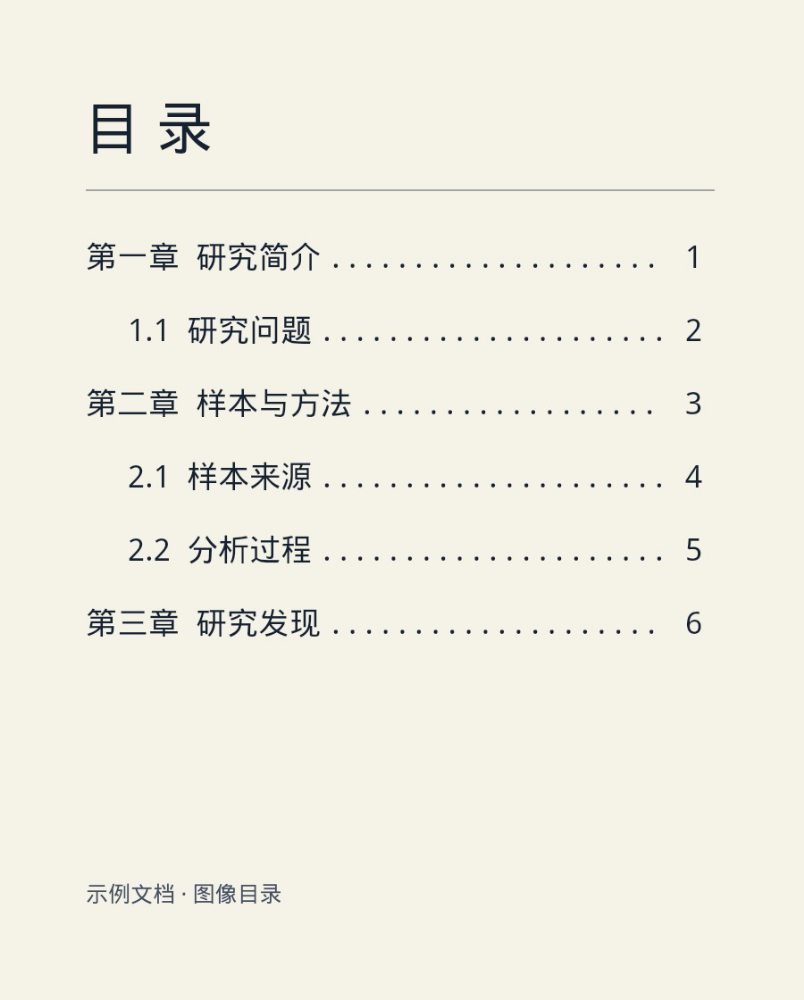
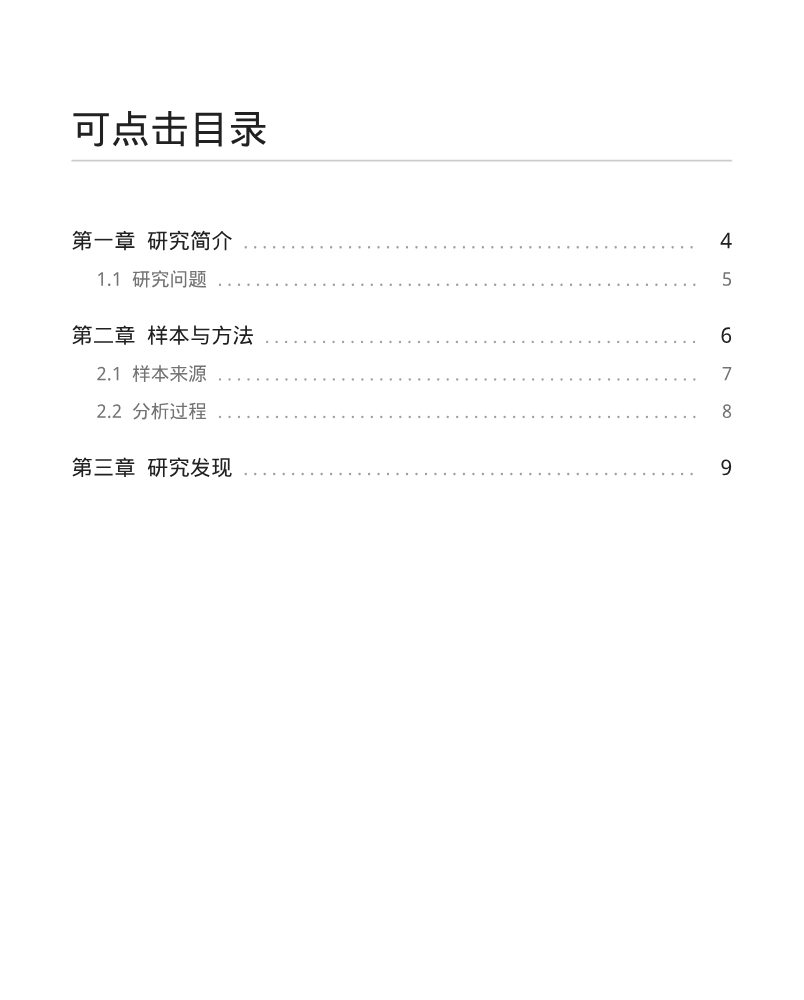
This sample starts with a scan. Printed page 1 is physical page 3 in the source, and page 4 after inserting a front TOC. The result contains six nested bookmarks and six verified links.
Install the workflow in your agent. It checks the source outline, confirms chapter destinations, and uses the MCP or CLI to save a new PDF.
npx skills add Yuikij/pdfbookmarks-ai --skill pdf-bookmarksUse Node.js 22.13+ with an MCP client that supports local stdio. Point --root at the folder with your PDFs. The release also has a desktop bundle and a Python wheel.
npx --yes https://github.com/Yuikij/pdfbookmarks-ai/releases/download/v0.1.1/pdfbookmarks-mcp-0.1.1.tgz serve --root "/path/to/pdfs"The MCP processes PDFs on your device and always writes to a new file. The selected text or images it returns can enter your agent’s model context. Use a local model if that content must stay on your device.